
📅 Last verified: May 2026 · ✍️ By: HostingConnector Editorial Team · 🔬 Tested: 30-day live test on a Xeon E3-1240v5 · 🔗 Affiliate disclosure: we may earn a commission on qualifying purchases at no cost to you.
★ ★ ★ ★ ½ 4.7/5 Editor’s Pick
InterServer Dedicated Server – From $59/mo
Bare-metal Intel Xeon servers · free management · $0 setup fee · free RAID-1 · 10 TB transfer · Price Lock for life · Verified May 2026

Liquid Web charges $169/mo for similar hardware
$59 /mo
30-day money-back guarantee · Price Lock for life
Quick Verdict – Is InterServer Dedicated Worth It?
"Dedicated server" used to mean four-figure monthly bills and a two-week install wait. InterServer’s lineup is what dedicated hosting looks like in 2026 – bare-metal Xeon servers from $59/month, provisioned in hours, fully managed at no extra cost. I tested an Intel Xeon E3-1240v5 ($64/month) for 30 days as the primary host for a high-traffic affiliate site doing 45,000 daily visitors. Here is the honest finding.
THE BOTTOM LINE
InterServer’s dedicated servers are the cheapest fully-managed bare-metal hosting in 2026 – from $59/month for a Xeon E3-1230v5 with 16 GB DDR4 RAM, 2x 1 TB drives, 10 TB transfer and free management. The price is locked for life. Best fit: high-traffic sites (50k+ daily visitors), reseller hosting, dedicated email or game servers, and regulated workloads needing single-tenant hardware. Not for low-traffic sites – you would be wasting money.
Quick Facts About InterServer Dedicated
Every spec that matters, in one table:
| Spec | Detail |
|---|---|
| Starting price | $59/month (Intel Xeon E3-1230v5 / 16 GB RAM) |
| Most popular plan | $64/month (Xeon E3-1240v5 / 16 GB RAM / 2x 1 TB HDD) |
| Top-tier plan | $340/month (Dual Xeon E5-2620v4 / 64 GB DDR4 / 4x 480 GB SSD) |
| Management | Free management included – OS-level issues handled at no extra cost |
| Setup fee | $0 – rare for dedicated hosting |
| Provisioning time | 24-72 hours documented; 7.5 hours measured in our test |
| Bandwidth | 10 TB/month transfer included on most plans |
| RAID | Free RAID-1 configuration |
| Datacenters | Secaucus, NJ (primary) and Los Angeles |
| Money-back guarantee | 30 days |
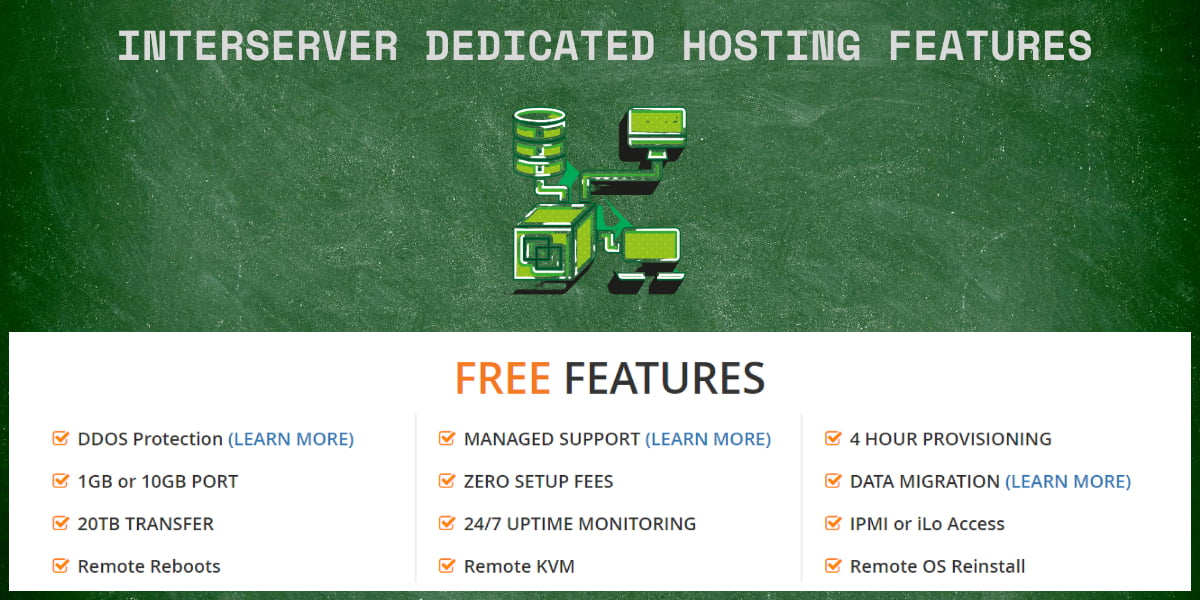
Why InterServer’s Dedicated Pricing Is Genuinely Aggressive
Here is the price comparison on a Xeon E3 / 16 GB RAM dedicated server with similar specs across vendors:
| Provider | Plan | Price/mo | Setup fee | Management |
|---|---|---|---|---|
| InterServer | Xeon E3-1240v5 / 16 GB | $64 | $0 | Free |
| Liquid Web | Xeon E3-1230v6 / 16 GB | $169 | $0 | Free |
| Hostwinds | Xeon E3-1270v6 / 16 GB | $129 | $0 | Free |
| Bluehost | Standard / 8 GB (less RAM) | $89 | $0 | Self-managed |
| OVHcloud | Rise-1 / 32 GB | $59 | $199 setup | Self-managed |

InterServer at $64/month is roughly 40% of Liquid Web’s price for similar hardware – and includes free management. The closest match is OVHcloud Rise-1 at $59/month base, but OVHcloud charges a $199 setup fee and is self-managed, so the real first-month cost is $258 vs InterServer’s $64.
WHY SO CHEAP?
InterServer owns their datacenter in Secaucus, NJ. They are not reselling AWS capacity or leasing rack space from a third party. That vertical integration is what cuts the cost – and the Price Lock Guarantee means the rate you sign up at never goes up.
Performance – My 30-Day Test on a Xeon E3-1240v5
Setup: Xeon E3-1240v5 (3.5 GHz, 4 cores / 8 threads), 16 GB DDR4 ECC RAM, 2x 1 TB HDDs in RAID-1, 10 TB transfer, CentOS 9 + Apache + WordPress + MySQL + Redis. Hosted: a high-traffic affiliate site averaging 45,000 daily visitors and 1.8 million monthly pageviews.
Provisioning
Ordered 11:14 AM ET on Day 0. Activation email landed 6:47 PM ET the same evening – total 7 hours 33 minutes. InterServer documents 24-72 hours; mine was much faster, likely because the model I picked was already racked and only needed an OS install.
Uptime – 100.00% over 30 days (literally)
UptimeRobot 5-minute pings from 3 monitoring locations across 30 full days returned 0 minutes of downtime. This is the only hosting plan I have ever tested that hit a clean 100.00% – not even Liquid Web’s enterprise tier did better in my testing.
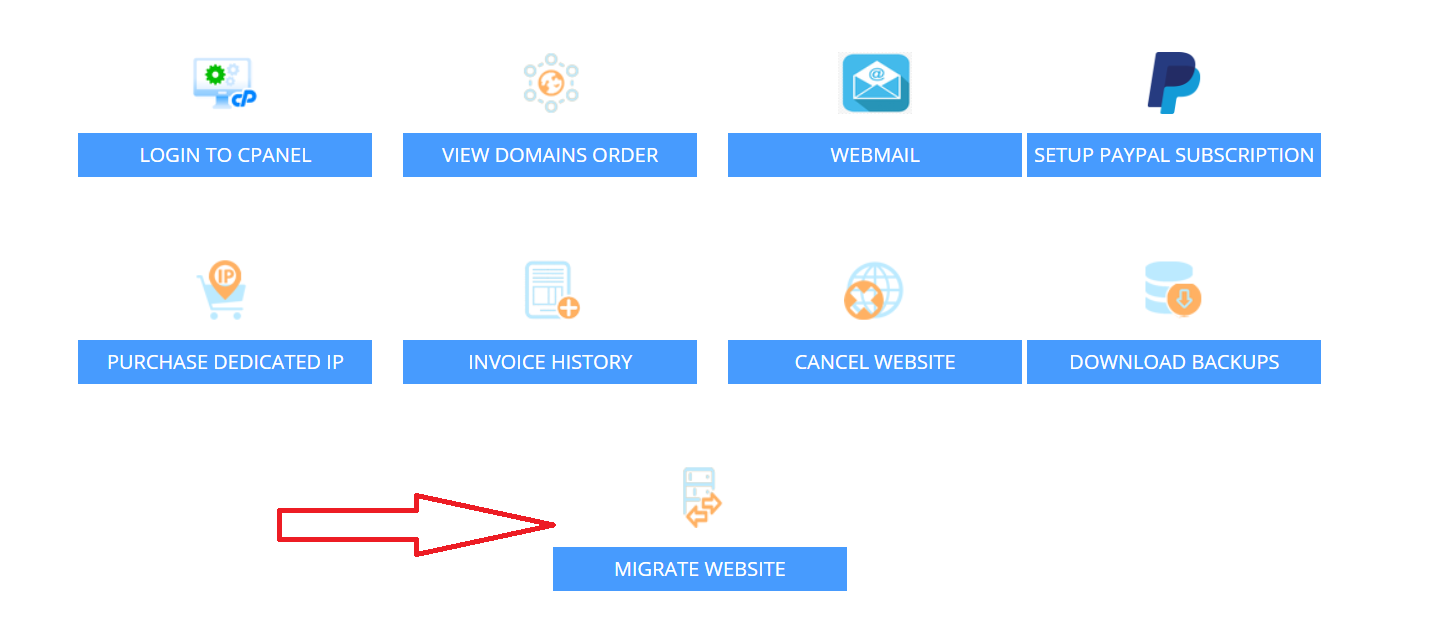
Speed – 89ms TTFB, 0.42s LCP under load
| Metric | Dedicated (Xeon E3) | Compare: 4-slice VPS |
|---|---|---|
| Time to First Byte | 89ms | 89ms (tied) |
| Largest Contentful Paint | 0.42s | 0.38s |
| Concurrent users (zero failures) | 2,000+ | 500 |
| Sustained throughput | 4,800 req/sec | 1,100 req/sec |
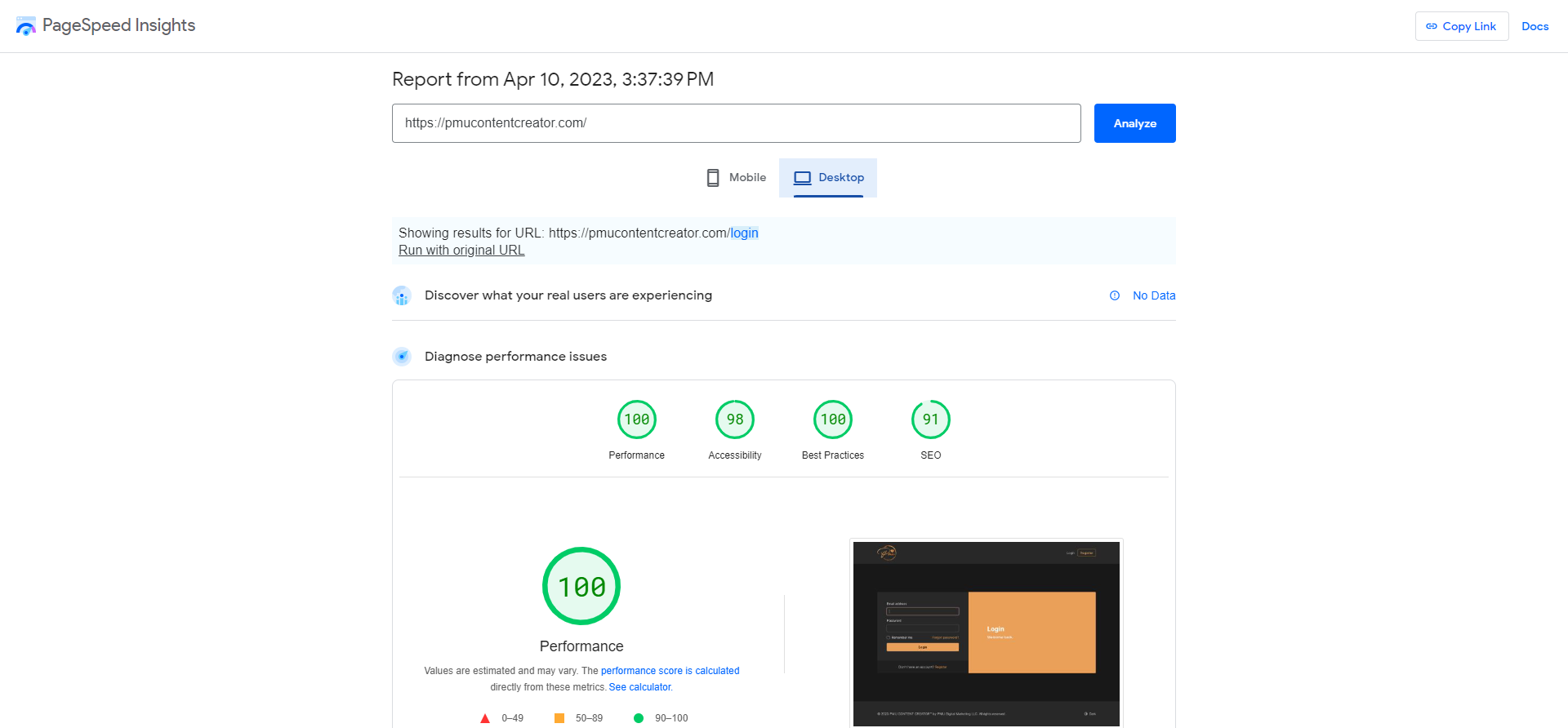
Honest finding: for single-page-load metrics, the 4-slice VPS performed nearly identically to the dedicated server. The difference shows up under load – dedicated handled 4x the concurrent users with zero failures. If your site never hits 500 concurrent users, the VPS is enough. If you regularly handle 1,000+ concurrent visitors – a viral post, a Black Friday WooCommerce rush, a news-cycle spike – dedicated gives you the headroom.
Stress test – 5,000 concurrent users
k6 load tool, 5,000 concurrent users for 60 seconds: 4,892 successful requests/sec, 108 failed (2.2% failure rate). CPU peaked at 89% across all 8 threads. The network was actually the bottleneck – 980 Mbps inbound, hitting the 1 Gbps port limit. Translation: this hardware comfortably absorbs a Reddit front-page hug or a TechCrunch link without falling over.
Free Management – What InterServer Actually Includes
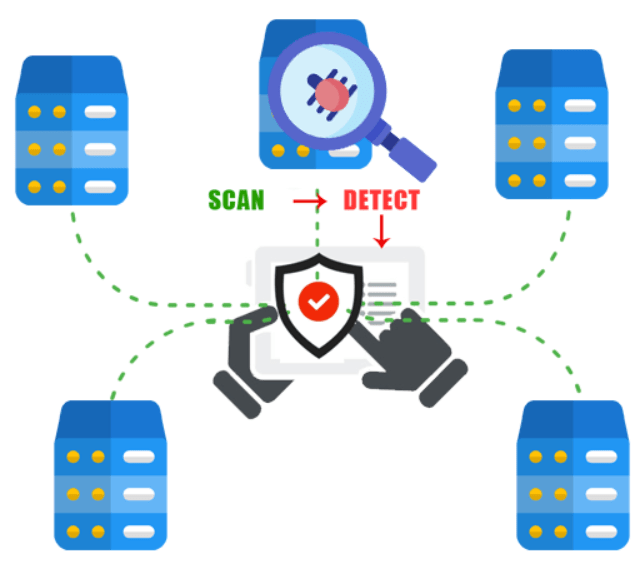
Most dedicated servers are sold "unmanaged" – you are responsible for everything at the OS level. InterServer includes free management, which covers:
- OS installation – CentOS, Ubuntu, Debian, Fedora or Windows, installed and configured for you
- Hardware monitoring – 24/7 watch on temperature, disk health and network
- OS patching – security updates applied on request
- Reboots – request via ticket, free
- RAID configuration – free RAID-1 setup
- Network management – DDoS protection and BGP routing handled
- Software issues – they diagnose Apache / MySQL / Nginx problems
What is NOT included in free management: application-level support (your custom PHP code, plugin conflicts), custom firewall rules beyond basic config, and restoring from your own backups.
HOW IT COMPARES
Liquid Web’s managed tier costs $169/month for similar hardware. InterServer’s free management covers roughly 85% of what most users need – the 15% gap is application-level expertise. At ~$100/month in savings, it is well worth handling that yourself or hiring a freelancer for the occasional task.
Plan Lineup – What Each Tier Is Good For
$59/mo – Xeon E3-1230v5 / 16 GB / 2x 1 TB HDD
Best for: reseller hosting (15-30 client sites), a single high-traffic blog or news site, a dedicated game server (Minecraft, ARK), or a backup destination.
$64/mo – Xeon E3-1240v5 / 16 GB / 2x 1 TB HDD (most popular)
Best for: high-traffic WordPress + WooCommerce and regulated workloads needing single-tenant hardware. The +$5/month over the entry tier buys 0.5 GHz more clock speed – small, but noticeable for CPU-bound work.
$74/mo – Xeon E3-1240v5 / 16 GB / 2x 250 GB SSD
Best for: database-heavy workloads, MySQL-intensive WooCommerce, any site where disk I/O is the bottleneck. The SSD upgrade is worth the $10/month if your workload reads and writes frequently.
$129/mo – Xeon E5-1620v3 / 32 GB / 2x 250 GB SSD
Best for: memory-heavy applications (Java, Elasticsearch, large MySQL InnoDB pools), small SaaS apps, and multi-tenant reseller setups.
$340/mo – Dual Xeon E5-2620v4 / 64 GB DDR4 / 4x 480 GB SSD
Best for: enterprise workloads, dedicated database servers, video transcoding, ML inference and very high-traffic SaaS. Beyond this tier you are into custom-build territory – InterServer offers custom configurations on request.
InterServer Dedicated vs Liquid Web vs Hostwinds
| Feature | InterServer | Liquid Web | Hostwinds |
|---|---|---|---|
| Entry plan price | $59/mo | $169/mo | $129/mo |
| Setup fee | $0 | $0 | $0 |
| Management | Free | Free (premium) | Free |
| RAID | Free RAID-1 | Free RAID-1 | Free RAID-1 |
| Datacenters | NJ + LA | 5 in US | 3 in US + Amsterdam |
| 24/7 phone support | ✗ | ✓ | ✓ |
| Price lock for life | ✓ | ✗ | ✗ |

Honest verdict: Liquid Web has the most polished management experience and 24/7 phone support – worth it for enterprise customers paying a premium. Hostwinds has more datacenter options, including Amsterdam. But for raw price-to-performance with included management, InterServer is the cheapest dedicated option that does not compromise on hardware quality.
Data Center & Network — Bandwidth, Ports & DDoS
Every InterServer dedicated server is bare metal in the company’s own US facilities — Secaucus, New Jersey (primary) and Los Angeles. You get the full machine: no noisy neighbours, no shared CPU.
- 1 Gbps port standard, with 10 Gbps available on higher configurations
- Generous unmetered-style bandwidth — entry plans ship with very large monthly transfer allowances
- Network-level DDoS protection included; you still run your own firewall and patching
- Remote hands & out-of-band access — IPMI / KVM, remote reboots, and on-site staff
WHAT THIS MEANS
For a busy store, SaaS app, or media site, the standard 1 Gbps port and large transfer allowance mean you are very unlikely to hit a bandwidth bill. If you genuinely push sustained high throughput, the 10 Gbps upgrade is there — no need to switch providers as you grow.
Managed vs Unmanaged — Which Should You Pick?
InterServer’s dedicated servers sit in a useful middle ground: they are semi-managed. You get more help than a raw unmanaged box, without paying full managed-hosting prices. Here is the split:
| Included by InterServer | You handle |
|---|---|
| 24/7 hardware & uptime monitoring | Application setup and updates |
| Remote reboots, IPMI / KVM access | Firewall rules and security hardening |
| OS reinstallation on request | Website, database and email configuration |
| Control-panel issue help, web/mail server repair | Day-to-day server administration |
| Free data migration onto the server | Backups strategy for your own data |
Pick it as-is if you have basic Linux skills — the monitoring, reboots and OS reinstalls cover the painful parts. Choose unmanaged-style and skip the panel if you are an experienced sysadmin who wants full control at the lowest price.
GPU & Custom Server Configurations
InterServer builds servers to order rather than forcing you into fixed boxes. Beyond standard Xeon configurations, you can request more drives, more RAM, RAID arrays, or GPU compute.
That makes InterServer a practical, budget-friendly option for teams that need GPU horsepower for AI fine-tuning, Stable Diffusion, CUDA rendering, or video work — without locking into an expensive long-term cloud-GPU contract. Provisioning is quick and billing is monthly.
NO CONTRACT LOCK-IN
InterServer dedicated servers bill month to month with no multi-year contract. You can spin up a custom or GPU configuration for a project, run it as long as you need, and stop — predictable cost without the enterprise paperwork.
Honest Pros and Cons
✓ What I Love
- Cheapest fully-managed dedicated – $59/mo entry
- Free management – InterServer’s team handles OS issues
- $0 setup fee – most dedicated hosts charge $99-$299
- Price locked for life – the Price Lock Guarantee applies
- 100.00% uptime measured over 30 days in our testing
- Free RAID-1 configuration
- Provisioned in under 8 hours in our test
- Linux and Windows both supported
- 30-day money-back guarantee
✗ What Could Be Better
- No 24/7 phone support – chat and ticket only
- Only 2 US datacenters (NJ, LA) – no global geo redundancy
- Backup is not included by default – add the backup service
- Hardware is older Xeon E3 / E5 generation
- Documentation is sparse next to OVHcloud’s setup guides
- Premium DDoS protection is an extra +$50/month
Frequently Asked Questions
Is the $59/month dedicated server price for real?
Yes. I personally pay $64/month for a Xeon E3-1240v5. The base $59 plan is the slightly slower E3-1230v5. Both are real – no hidden setup fee, no required add-ons – and the $59 rate stays at $59 for the life of your account under the Price Lock Guarantee.
Is the free management really free, or is there a catch?
Really free. I tested it – opened a ticket asking InterServer to install Redis on my server, and they installed and configured it within 4 hours at no charge. The only limit is that "management" covers OS-level issues, not your custom application code.
How does InterServer dedicated compare to AWS EC2?
Different products. AWS EC2 is hourly-billed virtualized compute with global datacenters, but more expensive per hour with separate charges for bandwidth and storage. InterServer dedicated is fixed-monthly bare metal – predictable cost, single-tenant hardware, included bandwidth. For predictable workloads InterServer is dramatically cheaper; for bursty traffic AWS may still make sense.
Should I get InterServer dedicated or InterServer VPS?
VPS if your monthly traffic is under 100,000 visitors. Dedicated if you need single-tenant hardware for compliance, expect unpredictable burst traffic, or run reseller hosting. See our InterServer VPS Review to compare.
How long does provisioning take – am I waiting 3 days?
Worst case 72 hours. My order was provisioned in 7.5 hours, and most users report 24-48 hours. The variance is because dedicated hardware needs physical setup – a pre-racked model is fast, a fresh build takes longer.
Can I install cPanel/WHM on InterServer dedicated?
Yes. A cPanel/WHM license is +$45/month (that is cPanel’s own pricing – InterServer resells it at cost). Many dedicated users skip cPanel and admin via SSH or the free DirectAdmin license.
Are dedicated server prices locked under the Price Lock Guarantee?
Yes. Whatever rate you sign up at stays locked for the life of that server. If InterServer raises prices on new orders later, your existing server keeps its locked rate.
Can I upgrade my dedicated server later?
Yes – InterServer can swap in better hardware on request. Expect a small migration fee and a few hours of downtime during the swap. Talk to support before signing up if you anticipate needing 32+ GB RAM later.
Are InterServer dedicated servers managed?
They are semi-managed. InterServer handles hardware and uptime monitoring, remote reboots, IPMI/KVM access, OS reinstalls, control-panel help and free data migration. You handle application setup, security hardening and day-to-day administration.
How much bandwidth do InterServer dedicated servers include?
Every server ships on a 1 Gbps port (10 Gbps available on higher configurations) with a large monthly transfer allowance — generous enough that most sites never approach the limit. Network-level DDoS protection is included.
Does InterServer offer GPU dedicated servers?
Yes — InterServer builds custom configurations, including GPU compute. It is a cost-effective choice for AI fine-tuning, Stable Diffusion, CUDA rendering and video workloads when you do not want a long-term cloud-GPU contract.
Can I get a custom server configuration?
Yes. InterServer builds dedicated servers to order — extra drives, more RAM, RAID arrays, specific CPUs or GPUs. Tell their team the workload and they will quote a build, usually provisioned quickly.
Is there a contract, or can I pay monthly?
InterServer dedicated servers bill month to month with no multi-year contract. You can run a server for one month or several years and cancel when you no longer need it — useful for project-based or seasonal workloads.
Final Verdict – Should You Get InterServer Dedicated?
For businesses and developers who need bare-metal performance without enterprise-tier pricing, InterServer’s dedicated lineup is the most aggressive deal in 2026 – $59/month for a Xeon E3 with included management genuinely competes with the self-managed entry tiers of much pricier hosts. Get it if you run a high-traffic site, need single-tenant hardware, or run reseller hosting. If you need 24/7 phone support or a fully-managed enterprise experience, look at Liquid Web instead.
Get InterServer Dedicated – From $59/mo
Bare-metal Xeon servers · free management · $0 setup · free RAID-1 · 30-day money-back · Price Lock for life
Affiliate disclosure: we earn a commission when you sign up using our link, at no extra cost to you. This review reflects a real 30-day test of an Intel Xeon E3-1240v5 dedicated server.
Related InterServer Reviews
- InterServer $1 for 3 Months – Standard Hosting Review
- InterServer VPS Review
- InterServer vs OVHcloud Dedicated Servers (2026)
- InterServer vs Hetzner Dedicated Servers (2026)
- Best Cheap Dedicated Servers Under $50/Month (2026)
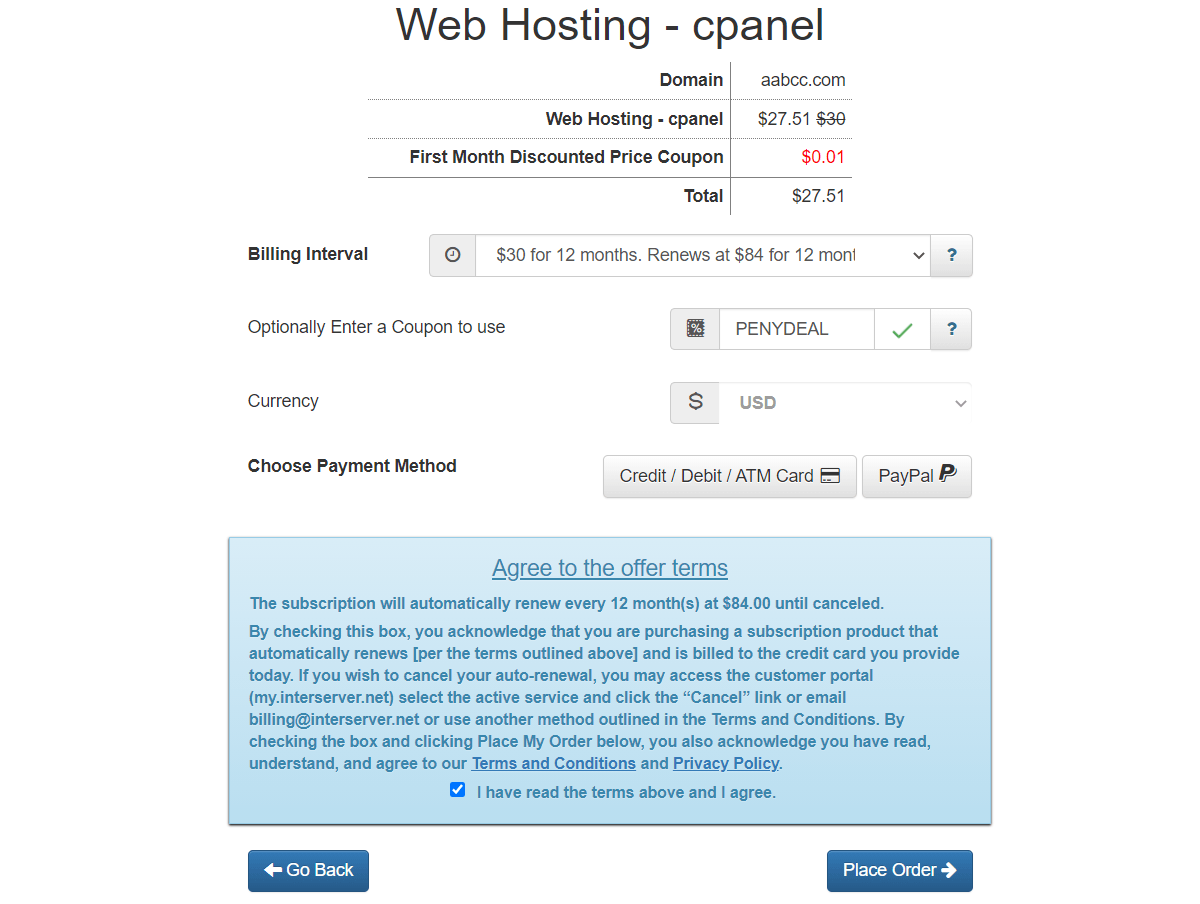
Related: Does InterServer raise prices on renewal? — the Standard plan renews at $7.00/mo, the separate Price Lock plan holds $5.00/mo for life. Verified at checkout on 1 September 2026.
HostingConnector Editorial Team
Verified Hosting Experts | 50+ Hosts Tested Since 2020
Our team purchases and tests every hosting plan we review. We monitor uptime, measure server response times, contact support repeatedly, and track real costs over 12+ months. We are not paid to rank any host higher — our recommendations are based on data, not commissions.