Disclosure: this post contains affiliate links. If you buy through them we may earn a commission at no extra cost to you. We only feature deals with strong ratings or a fresh launch.
- ⭐ 4.9/5 from 14 buyer reviews
- ↩️ 60-day money-back guarantee
- 👥 Best for: Developers, Product designers, Web designers
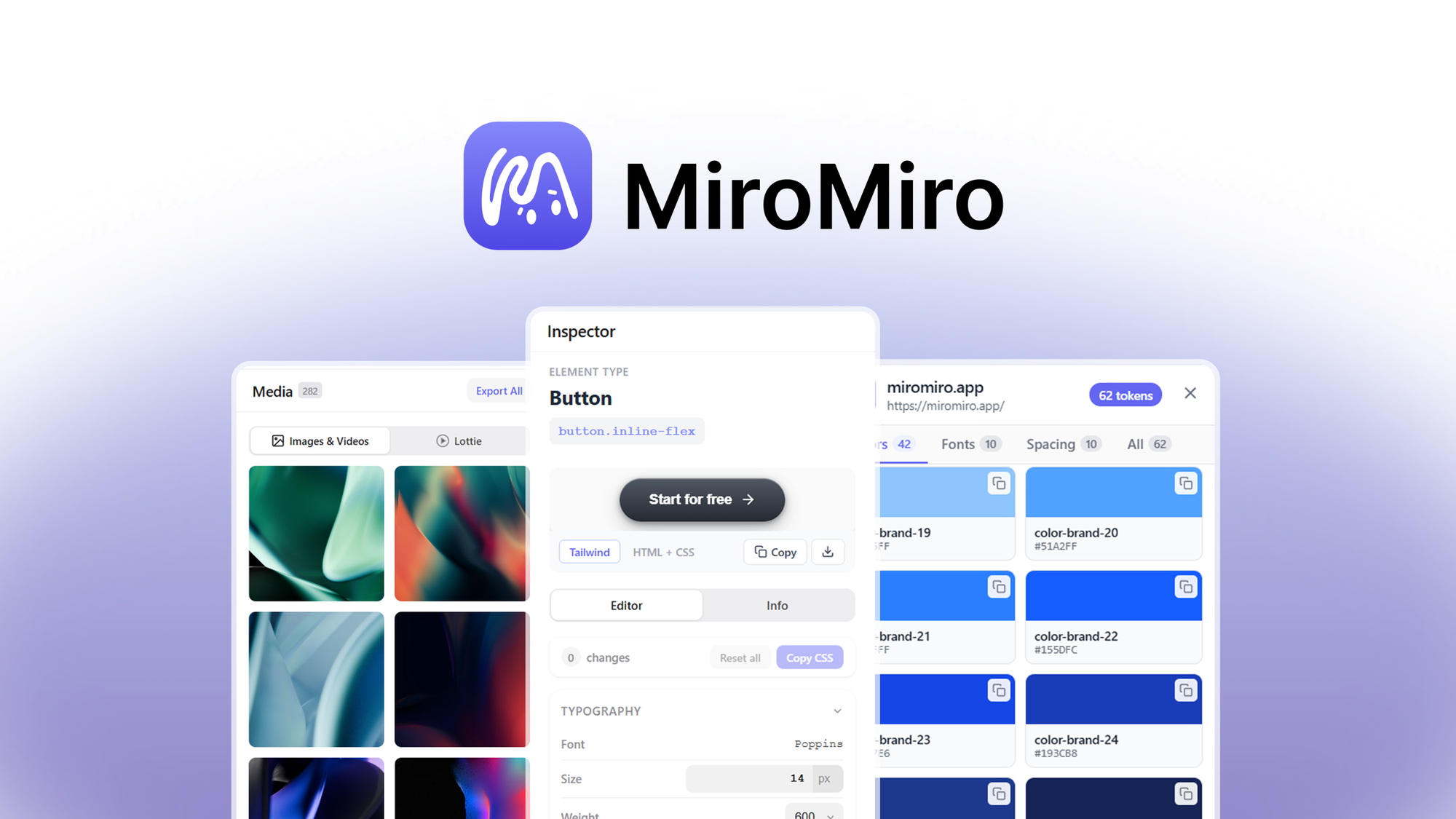
MiroMiro: inspect any element, extract the full design system, and export clean Tailwind or HTML from any site. On AppSumo you pay $49 once instead of a monthly subscription.
Reverse engineering a UI shouldn't require juggling a color picker, font finder, and code copier. MiroMiro inspects any element, extracts the full design system, and exports it all as clean Tailwind or HTML.
What you get with MiroMiro
- Copy any element as clean Tailwind or HTML + CSS in one click, ready to paste into Cursor, Claude, or v0
- Extract colors, fonts, gradients, spacing, and Lottie animations from any live site into one organized panel
Is MiroMiro a good ColorZilla alternative?
Buyers compare it with ColorZilla, CSS Scan, Hoverify. The difference that matters for most small teams: those tools bill every month, while this deal is a single $49 payment. Check the plan limits below before you buy.
What buyers say
Customers appreciate MiroMiro, praising its ability to effortlessly extract full design systems, export clean code, and streamline web design workflows. The tool is noted for its versatility and time-saving features, making it a favorite among users. It allows for the export of any website to Elementor, enhancing its functionality for WordPress users. Minor drawbacks include occasional compatibility issues with certain browsers and some UI quirks. Overall, MiroMiro is a standout choice for web designers and developers, and with a 60-day money-back guarantee, it's a no-brainer to give it a try!
Deal terms
- Get lifetime access to MiroMiro
- All future Pro (Tiers 1-3) plan updates
- If the plan name linked to your deal changes, it will automaticallytransfer to the new plan with all updates
- This deal is only for brand-new MiroMiro users—no previous accounts, trials, or paid plans with this partner
- Activate your license within 60 days—you can upgrade while the deal is live but can only downgrade within 60 days of purchase
Integrations: Brave, Chrome, Edge, Firefox
FAQ
What is MiroMiro and what does it do?
MiroMiro is a browser extension that allows users to extract and copy code, CSS, and assets from any website. It enables users to select any section of a webpage and export it as clean Tailwind or plain HTML + CSS, extract design tokens like colors and fonts, and download images, videos, and Lottie animations.
How can I install MiroMiro?
You can install MiroMiro by adding it to your Chrome browser from the Chrome Web Store. Simply visit the MiroMiro website and click on the 'Add to Chrome' button to initiate the installation.
Is MiroMiro compatible with browsers other than Chrome?
MiroMiro is compatible with Chrome, Brave, and Edge browsers. However, it is not recommended for use with Arc due to a known sidebar API conflict.
Can MiroMiro be used with AI tools like Cursor, Claude, and v0?
Yes, MiroMiro is designed to work seamlessly with AI tools such as Cursor, Claude, and v0. It exports components as clean, semantic Tailwind + HTML, allowing AI tools to work with real code instead of guessing from a screenshot.
See the MiroMiro deal on AppSumo →
Price and availability checked 17 October 2026. AppSumo deals sell out or end without notice.
HostingConnector Editorial Team
Verified Hosting Experts | 50+ Hosts Tested Since 2020
Our team purchases and tests every hosting plan we review. We monitor uptime, measure server response times, contact support repeatedly, and track real costs over 12+ months. We are not paid to rank any host higher — our recommendations are based on data, not commissions.