Disclosure: this post contains affiliate links. If you buy through them we may earn a commission at no extra cost to you. We only feature deals with strong ratings or a fresh launch.
- ⭐ 4.4/5 from 506 buyer reviews
- ↩️ 60-day money-back guarantee
- 👥 Best for: Marketers, Sales managers, Small businesses
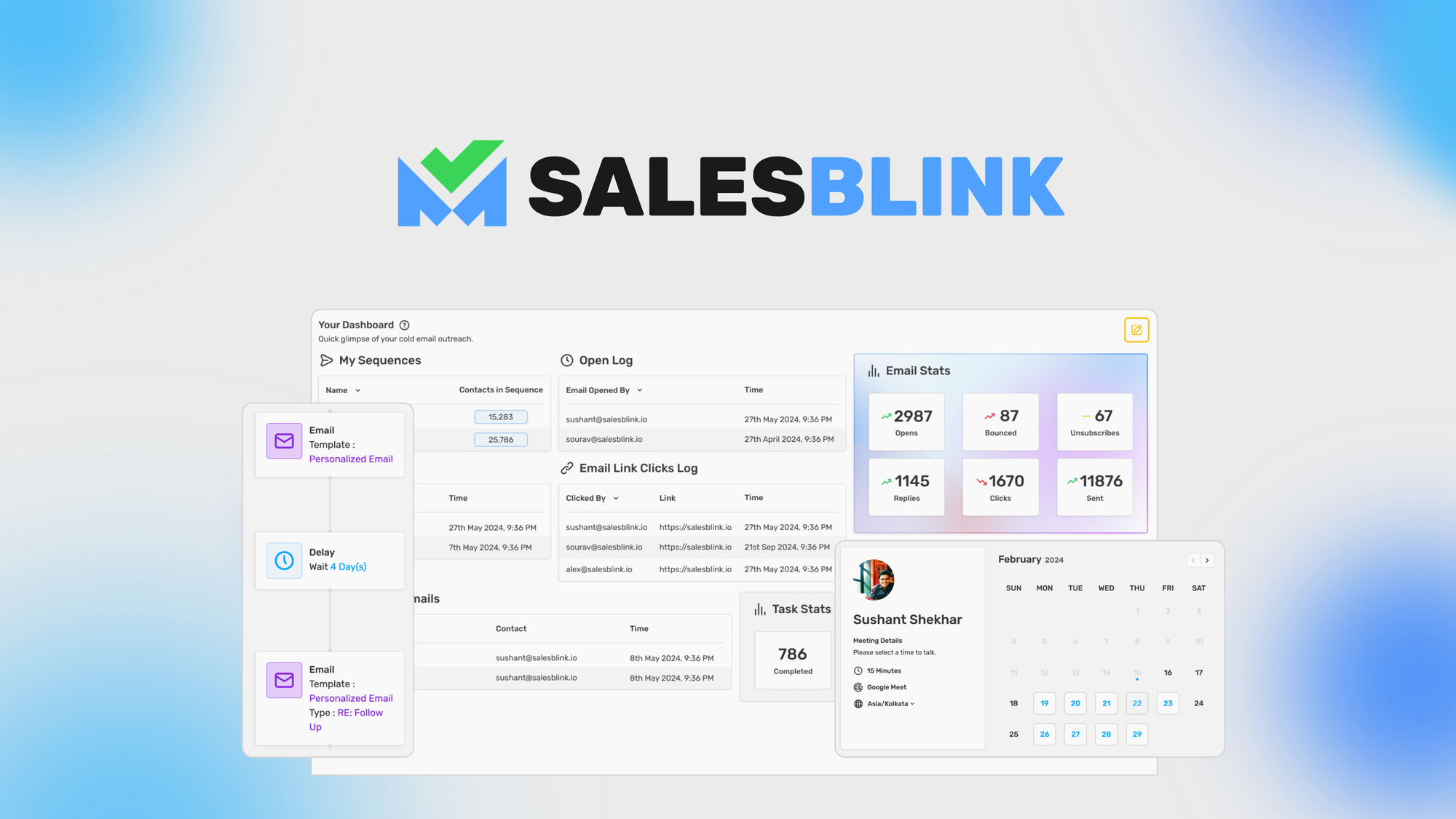
SalesBlink: send personalized cold emails generated with AI that land in your lead’s inbox, every time. On AppSumo you pay $79 once instead of a monthly subscription.
What you get with SalesBlink
- Use BlinkGPT AI to generate personalized emails with automatic follow-ups
- Reach your leads’ inboxes and avoid spam filters with email warmup
Is SalesBlink a good Lemlist alternative?
Buyers compare it with Lemlist, Mixmax, Outreach. The difference that matters for most small teams: those tools bill every month, while this deal is a single $79 payment. Check the plan limits below before you buy.
What buyers say
Customers appreciate SalesBlink, praising its powerful AI-driven email personalization, seamless campaign setup, and effective outreach capabilities that ensure emails land in leads' inboxes. The platform boasts features like guaranteed email deliverability, advanced email warm-up, and robust verification processes, which help maintain a strong sender reputation. While there may be occasional bugs and minor email verification issues, these are considered small bumps on the road. Weighing the positive feedback against minor issues, SalesBlink is a strong choice for those seeking effective cold email outreach. With a 60-day money-back guarantee, it's definitely worth giving it a try!
Deal terms
- Lifetime access to SalesBlink
- All future Growth (Tier 1-3) or Business (Tier 4-10) Plan updates
- If Plan name changes, deal will be mapped to the new Plan name with all accompanying updates
- You must redeem your code(s) within 60 days of purchase
- Stack up to 10 codes
- GDPR compliant
Integrations: HubSpot, Integrately, Make, Pabbly Connect, Pipedrive
FAQ
What are the key features of SalesBlink?
SalesBlink offers AI-powered cold email outreach with automated follow-ups, email warm-up to improve deliverability, a meeting scheduler for easy appointment booking, a unified inbox to manage leads, and integrations with various apps and CRMs.
How do I set up my email sender in SalesBlink?
To set up your email sender, navigate to the 'Email Senders' section in your SalesBlink account. You can connect Google or Microsoft emails using native integration, or set up SMTP/IMAP for other providers like Zoho Mail. Detailed guides are available for each email provider.
Can I use free Gmail accounts to send emails through SalesBlink?
Yes, you can use free Gmail accounts to send emails through SalesBlink. A guide is available to help you connect your free Gmail account or Gmail alias.
How can I create an API key to interact with SalesBlink APIs?
To create an API key, navigate to the 'API Keys' page in your SalesBlink account, click on 'Create API Key', provide a name for the key, and click 'Create New API Key'. Your API key will be generated and ready for use.
See the SalesBlink deal on AppSumo →
Price and availability checked 21 October 2026. AppSumo deals sell out or end without notice.
HostingConnector Editorial Team
Verified Hosting Experts | 50+ Hosts Tested Since 2020
Our team purchases and tests every hosting plan we review. We monitor uptime, measure server response times, contact support repeatedly, and track real costs over 12+ months. We are not paid to rank any host higher — our recommendations are based on data, not commissions.